Populate platforms to be able to see tutorial pages
Make sure
platformstable is present and it has columnsname(:varchar),display_name(:varchar).Run
ap Platformto checkIf the table exists but the name is shown as integer, run (in a new console)
psqlanddrop table platforms;Then create table using directions below
If it doesn't exist, run
rails console, then copy and paste -
ActiveRecord::Migration.create_table :platforms, id: false do |t| t.string :name, primary_key: true t.string :display_name t.timestamps end
Next, populate
platformstable by runningrake db:migrate:redo VERSION=20190425003308in terminalNow, if you visit
https://localhost:3000/tutorialspage, you should be able to see -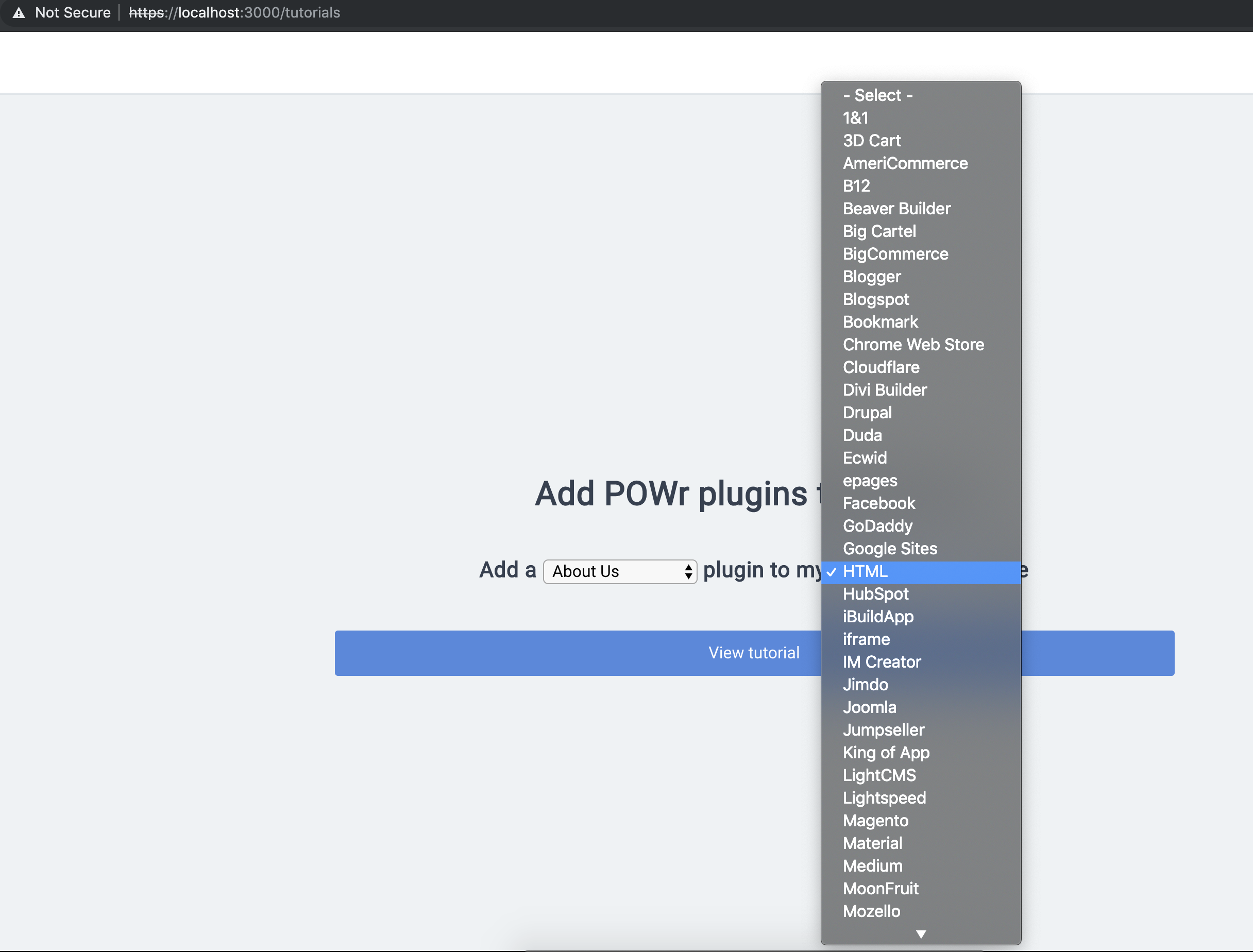
If the list is not updated, in
rails consoletry deleting caches by typingFallback::Cache.delete("platform_names_display_hash"),Then run
   Fallback::Cache.fetch("platform_names_display_hash", expires_in: ENV['CACHE_TTL'].to_i.hours) do
      Platform.pluck(:name, :display_name).to_h
    end
and then try refreshing the page