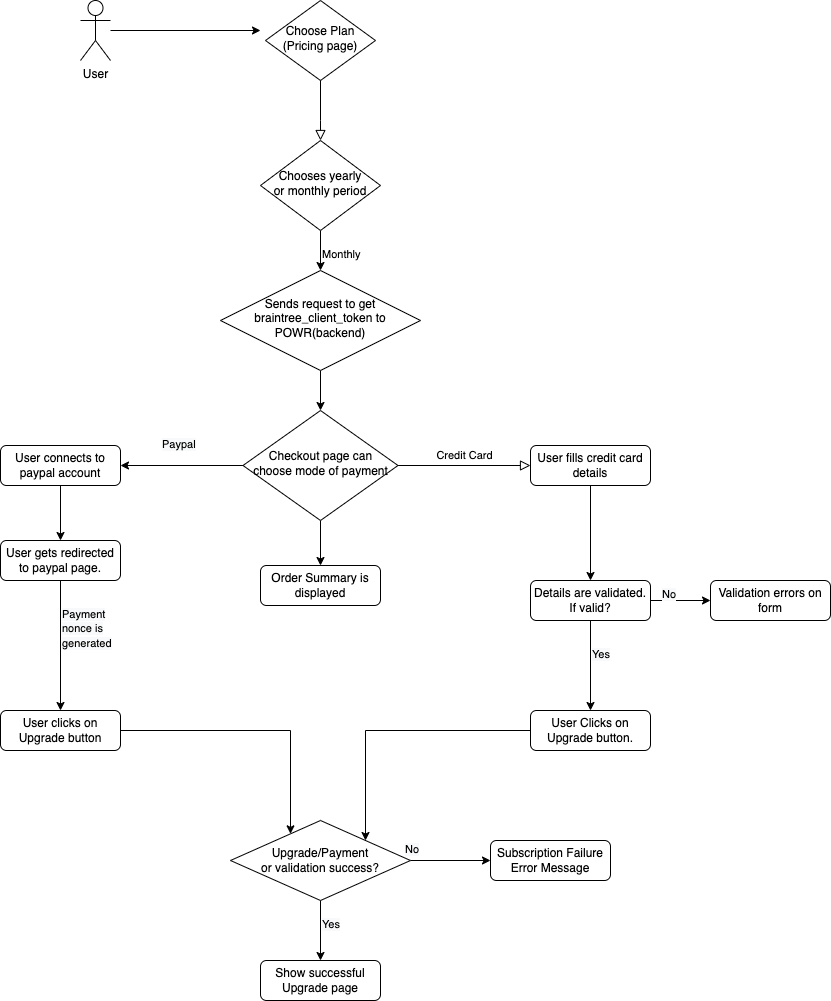
Checkout upgrade flow for Pro-Subscription for platform -
Introduction -
- Flow of how the checkout process works for platform in order to upgrade pro subscription for a user based on the selected plans: 'POWR Up' and 'POWR Teams'.
- User has the ability to choose the plan for their platform Subscription upgrade.
- Can choose between monthly or yearly plan.
- Can choose mode of payment: 'Credit Card' or 'PayPal'.
Checkout Flow -
- When user visits the pricing page, plans are shown(POWR Up and POWR Teams). User can select any plan along with yearly or monthly payment option. Here yearly is selected as the default which also has a 10% discount on prices. Therefore, if the user chooses monthly payment then they would have to pay full amount and if yearly then 10 % discount is provided on prices.
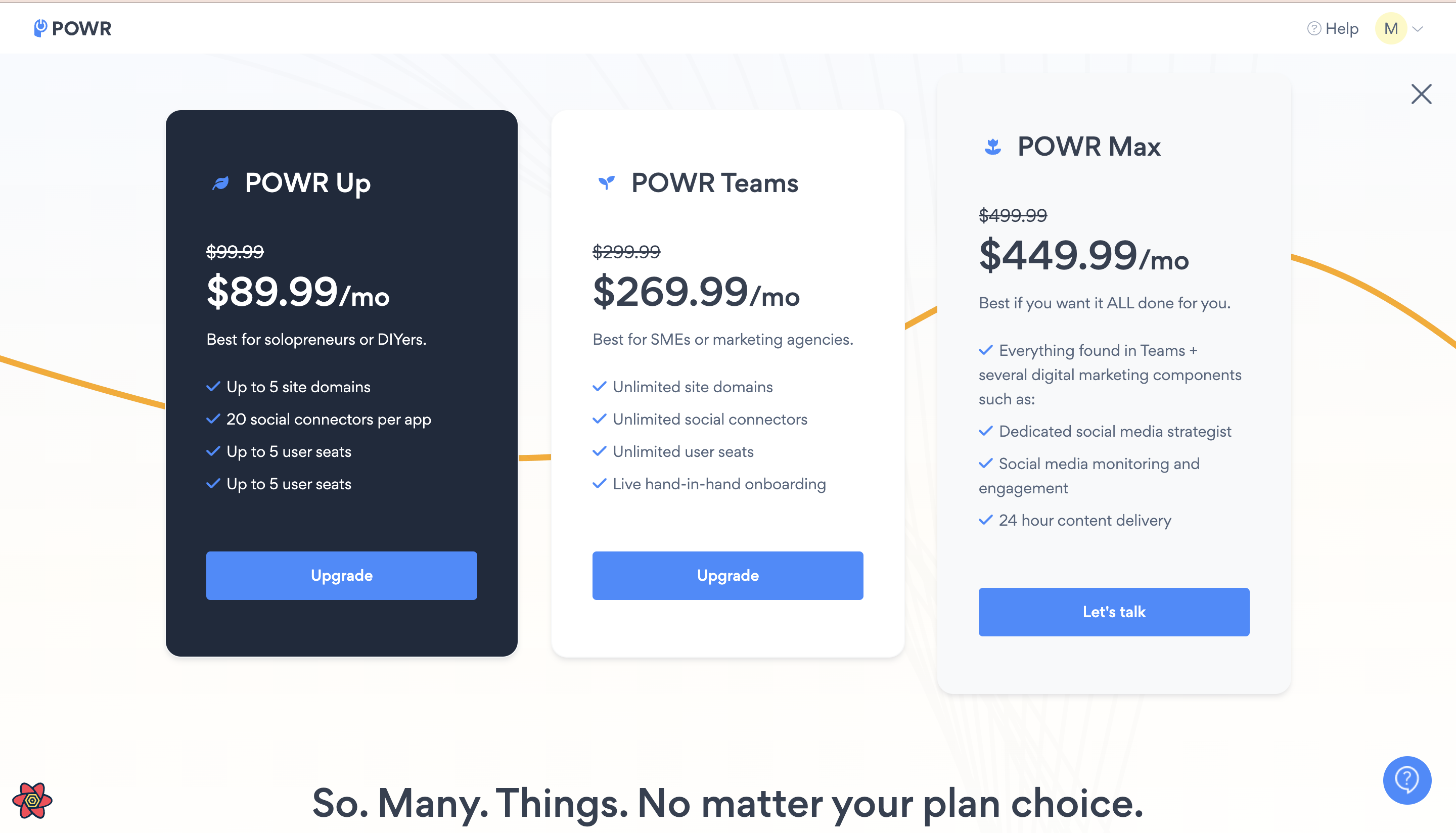
After selecting the plan, the user is redirected to checkout page where they can choose the mode of payment(credit card or paypal). Reference - components/Checkout/CheckoutToggle.tsx (platform)
We are using 'braintree' to generate the payment-nonce which is sent to the backend for performing the checkout process. Scenario -
Paypal -
(i) When selected paypal button a method is triggered
renderPaypalButtonwhich creates the client for paypal and with the help of newly created client or existing client it creates a new payment method for paypal. Reference: components/Checkout/PayPalPayment.tsx Reference Doc: https://developer.paypal.com/braintree/docs/guides/paypal/overview(ii) When Paypal is chosen, user is redirected to the paypal page and from there again back to platform application(checkout page) with a token(nonce). When this process is complete and user is back to platform checkout page, the
connect to paypalbutton disappears as user has already done that. Reference: components/Checkout/PayPalPayment.tsx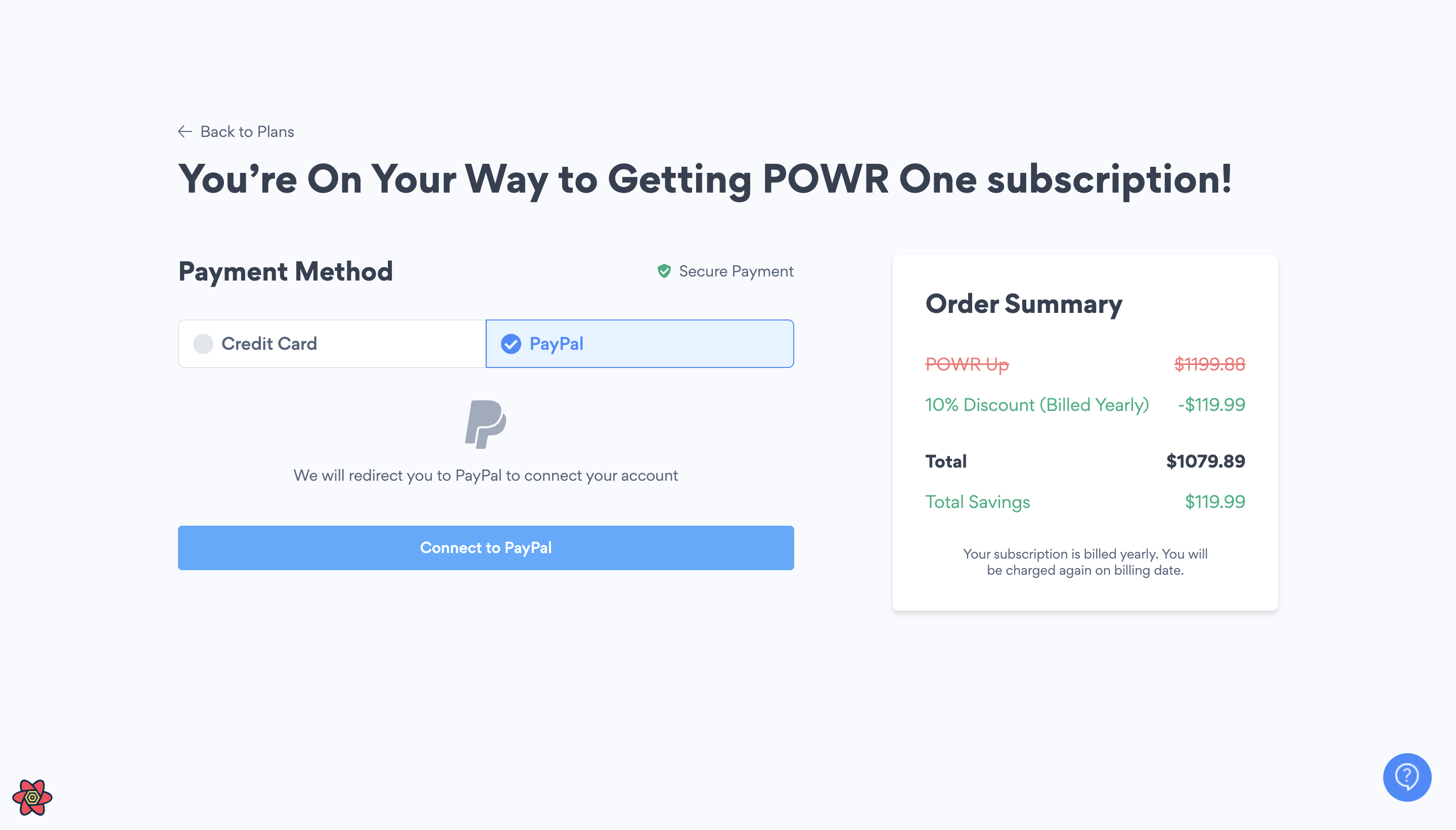
(iii) Now the "Upgrade" button appears with paypal user information and when the user click on it sends the request to our subscription controller(POWR repo) create method. To create new pro subscription for user along with Transaction model data to charge the user.
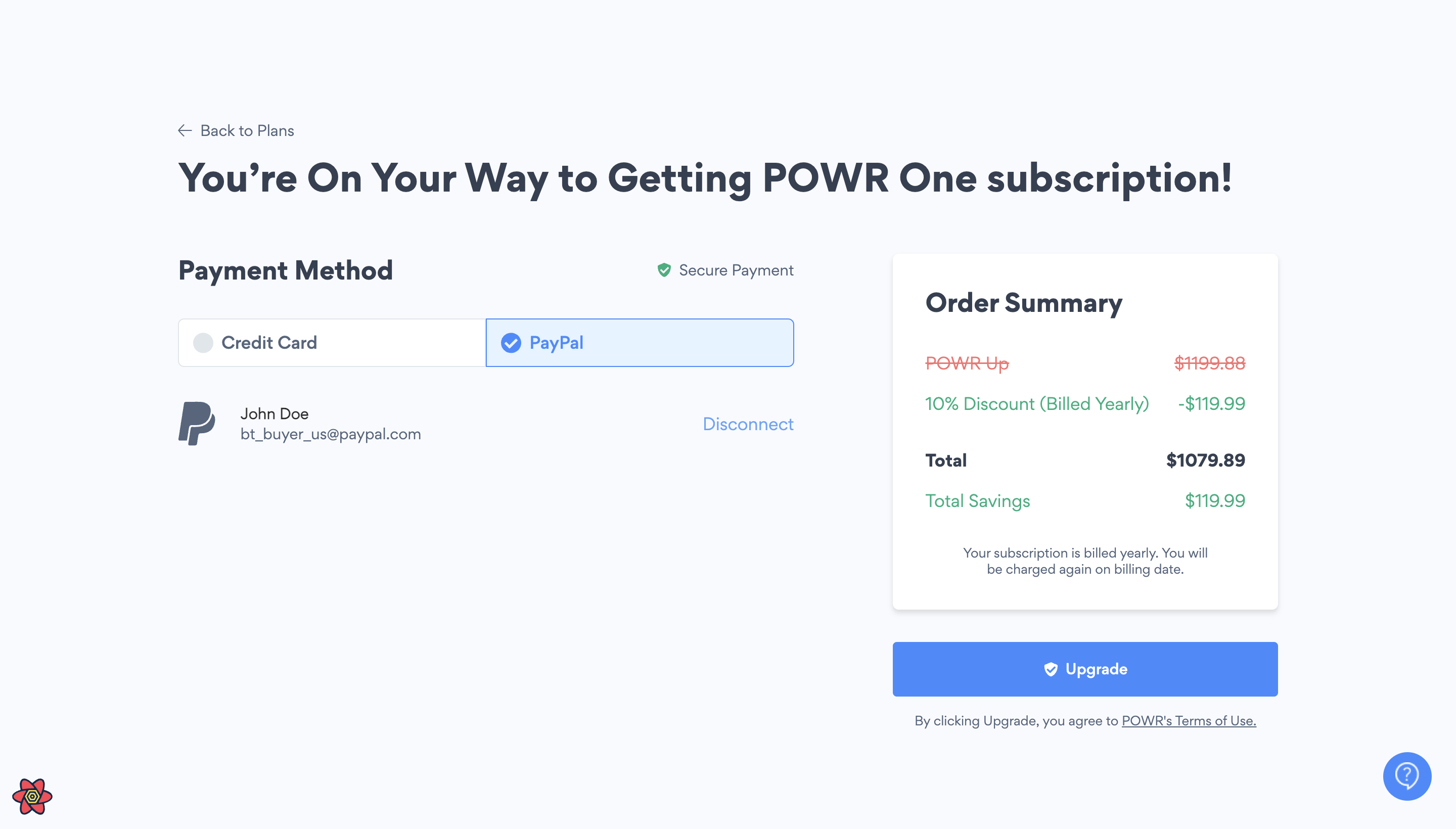
(iv) On backend(POWR) we are using Braintree(3rd party) to create Braintree::PaymentMethod and Braintree::Customer if paypal customer does not exist. Reference: app/controllers/concerns/platform_payment.rb (POWR)
Credit Card -
(i) When selected credit-card toggle option, credit card form appears for user with credit card fields like 'Card Number', 'Cvv', 'Expiry Date'. Reference - components/Checkout/CreditCardDetails.tsx
Along with Address fields like 'Street Address', 'Postal Code', 'Country' etc. Reference - components/Checkout/CreditCard.tsx
(ii) Validations are added to the fields which are madatory and checks if the credit card information is correct or not. Error message is shown when validations are failed.
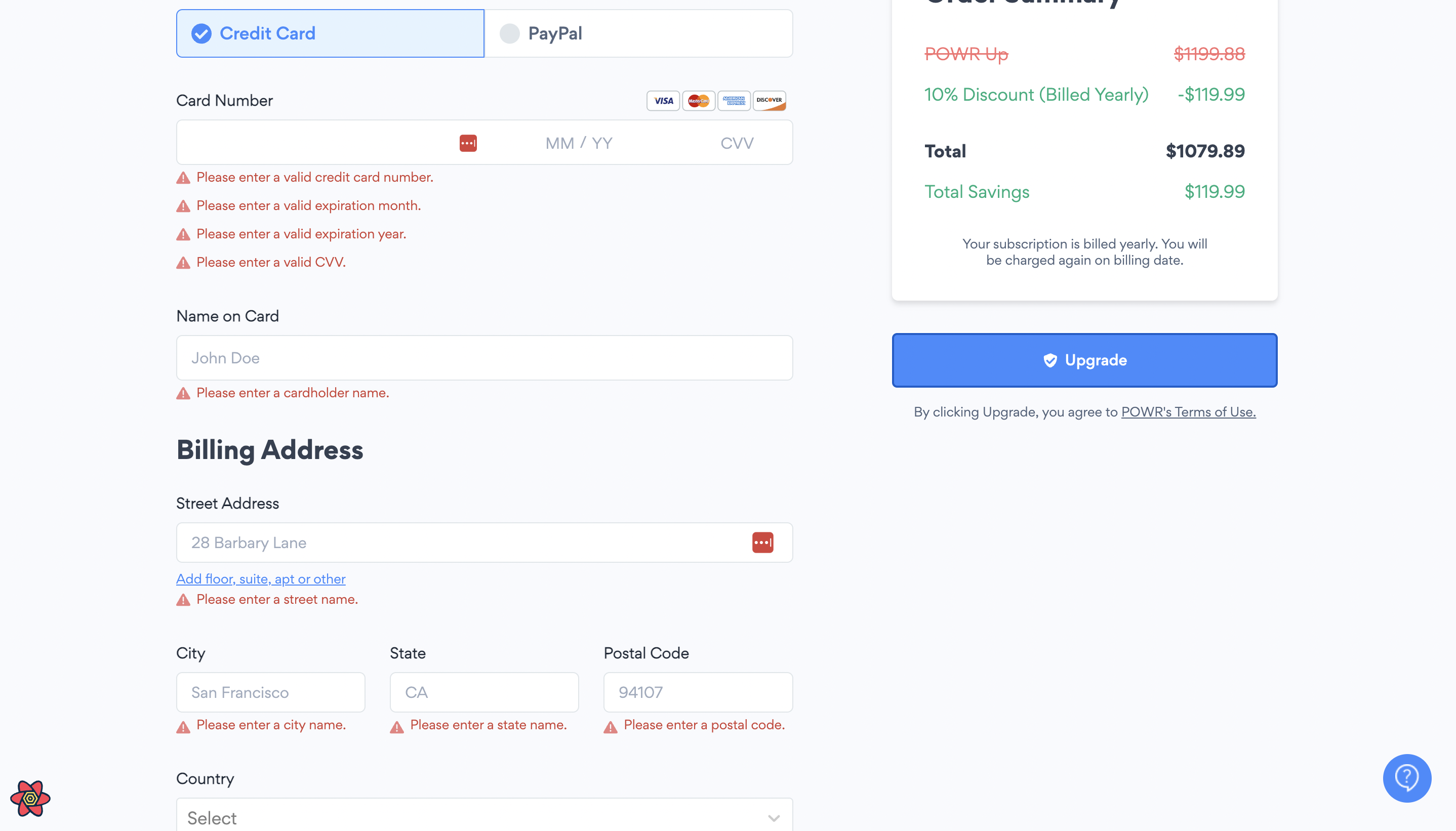
(iii) After filling the info user can click on "Upgrade" button and when the user click on it sends the request to our subscription controller(POWR repo) create method. Also it creates data for Transaction model and CreditCard model. It saves the data for credit card as well (not the sensitive data), uses new_credit_card method. Reference - app/controllers/concerns/platform_payment.rb
(iv) On backend(POWR) we are using Braintree(3rd party) to create Braintree::PaymentMethod and Braintree::Customer if customer does not exist. Reference - app/controllers/concerns/platform_payment.rb (POWR)
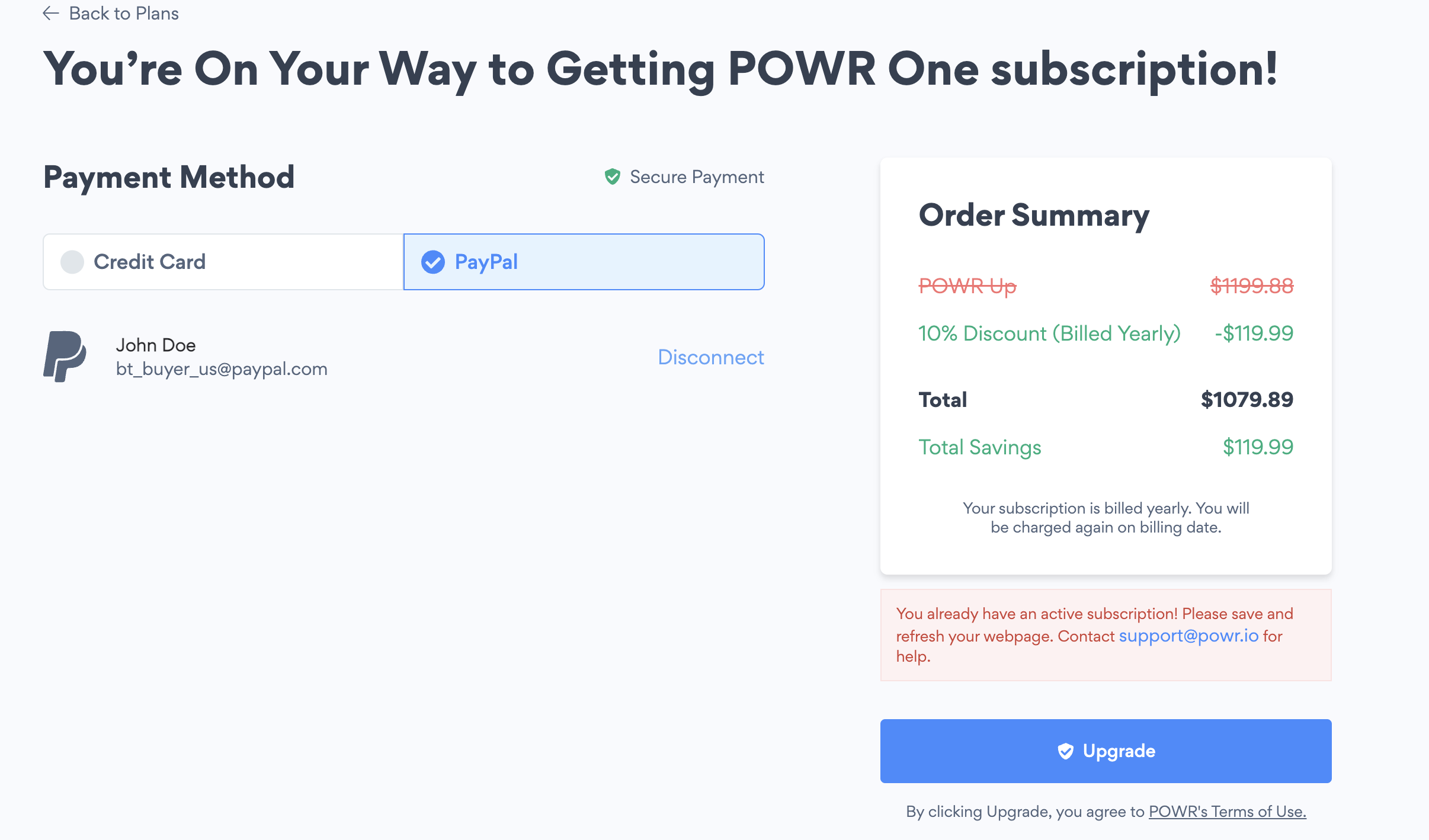
When subscription process fails or user already has an active subscription, then we are returning error message to platform to show why subscription/payment process failed. The error can be seen above the "Upgrade" button.
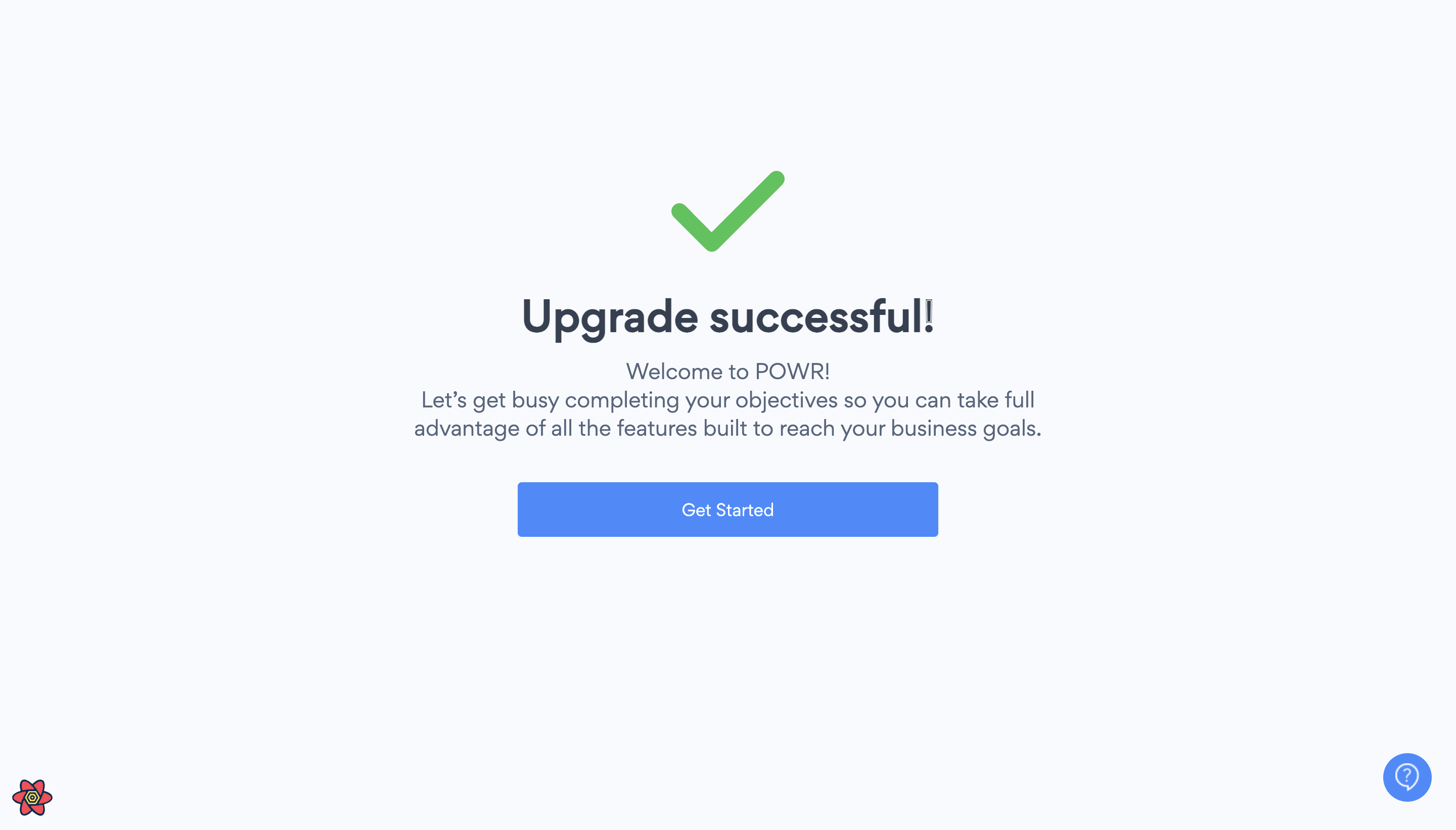
- If transaction is successfull and everything is valid, it creates the pro-subscription for plan choosen by user, and shows the page for successfull upgrade.
Video Reference - https://www.loom.com/share/bb2310431df1429a98cf7a4a6162bde6
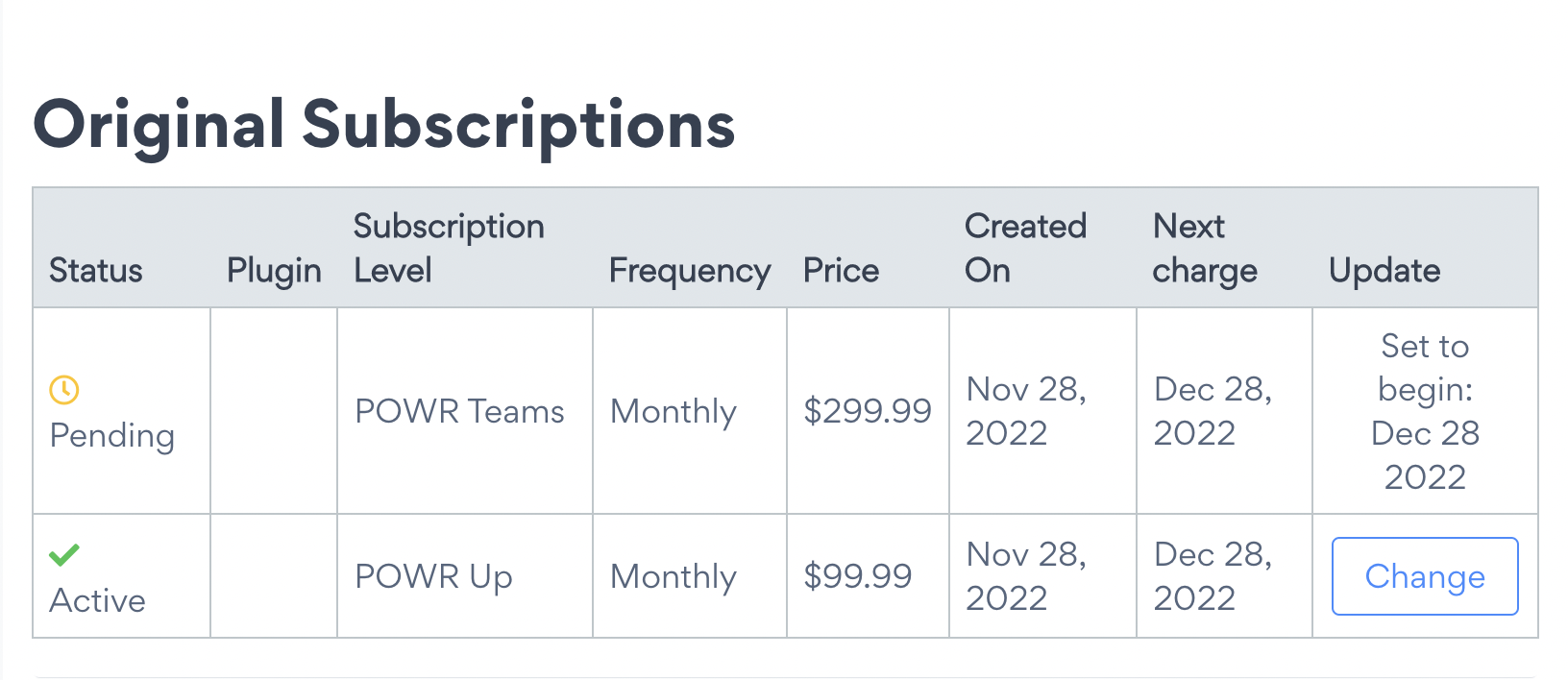
If you have a standard monthly plan and now if the user buys custom monthly plan then it would create a new pro_subscription object with custom plan as subscription type but with status
active: falseand activation dateto_activate_atset to after the current active subscription expires.In case of trial, when user buys/upgrade plans on platform, then a pro_subscription object is created in backend, but the status would be pending and the
next charge datewould be set to after the current trial expires.
- Flow chart diagram for payment flow -