How to change heroku dynos auto scaling dyno with hirefire
Our dynos our controlled through HireFire Just changing dynos on heroku will get overriden by hirefire.
Steps to change:
- Login to HireFire. Creds in lastpass
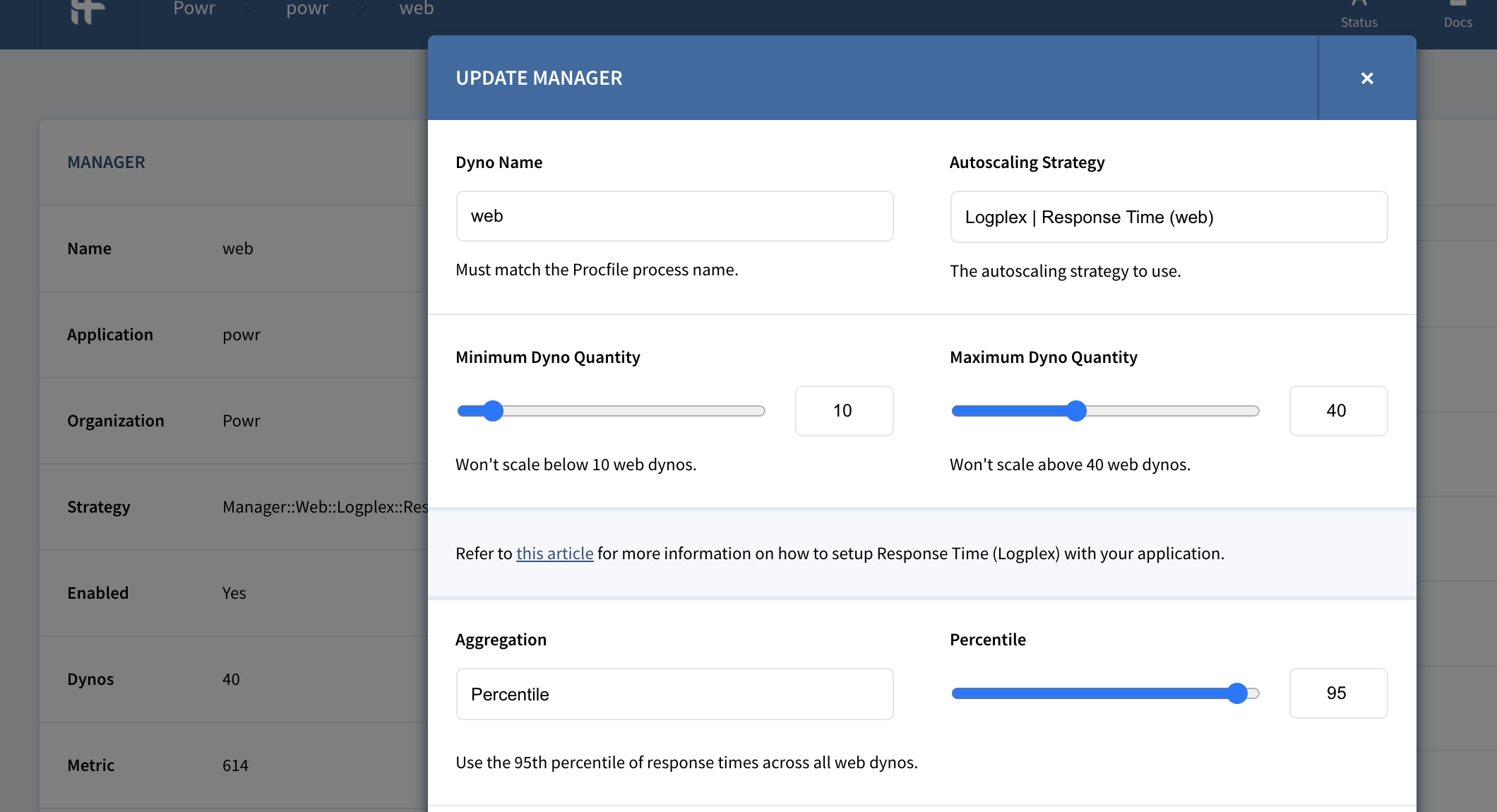
- Click powr => web (in manage dynos) => click the settings icon. You should the display as screenshot below.
- Change the max dynos. If we are getting slammed or the server is down, it is ok to increase them significantly. Eg if we are normally at 35 dynos, try increasing to 50 dynos.
- Click Save
- Hirefire takes some time to increase the dynos, so for an immediate change, ALSO increase the dynos in heroku.
- In the case of a fire, remember to change the settings back to what they were once fire is resolved!