How to test on zapier
- Go to zapier.com and login
- Creds on Lastpass
- Click on Make a Zap!
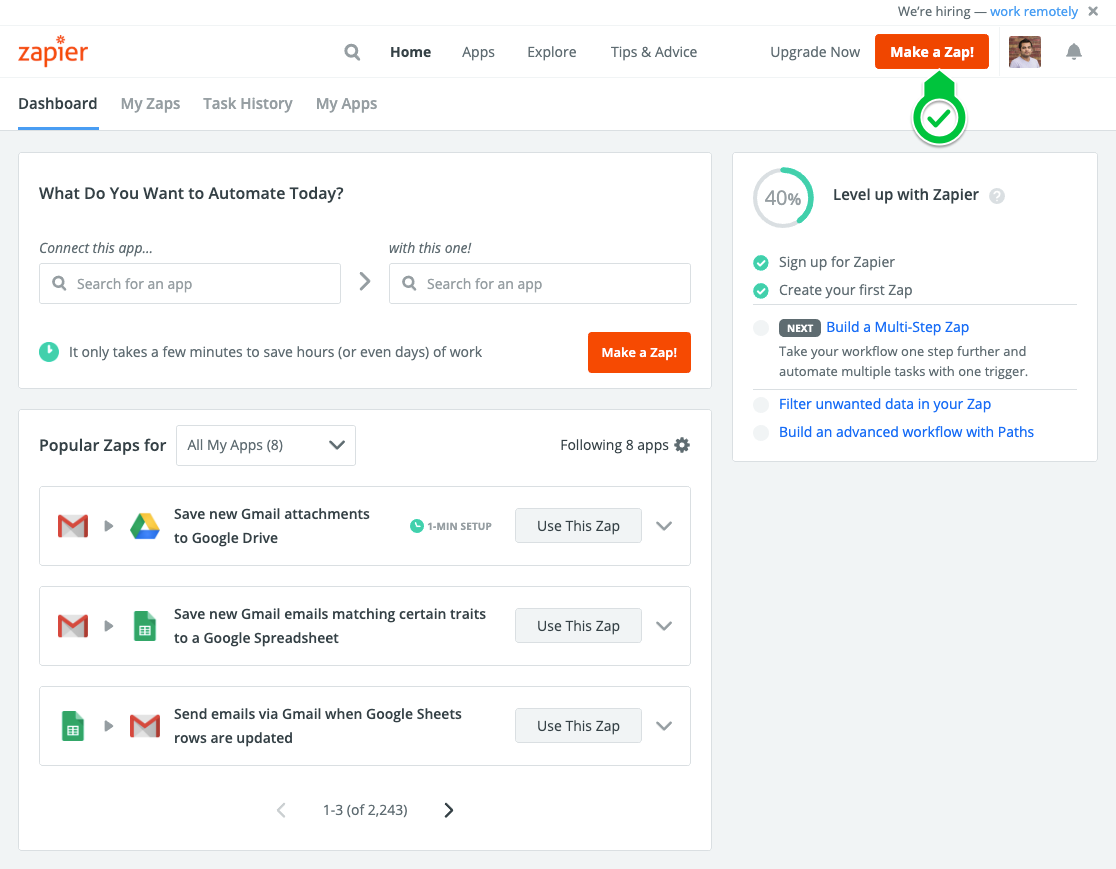
- Search POWr Select the the app as according to environment you are testing

- Continue the process by signing into POWr
- Select the form you would like to integrate with
- Make sure you have atleast one form response on POWr form (it needs to have at least one form response to map the form fields correctly)
- Choose another app you are testing integration with (google sheets, Airtable or what not)
- Go with the auth flow and map fields as accordingly.
- Submit POWr form with another response and make sure new submission with synced with the other platform.
Tags:
- How to QA Zapier
- How to test form builder on Zapier
- Zapier Staging, Zapier Alpha