Setting up new user roles on the database
NOTE: You can only do this if you have permission to Heroku.
- Go to Heroku
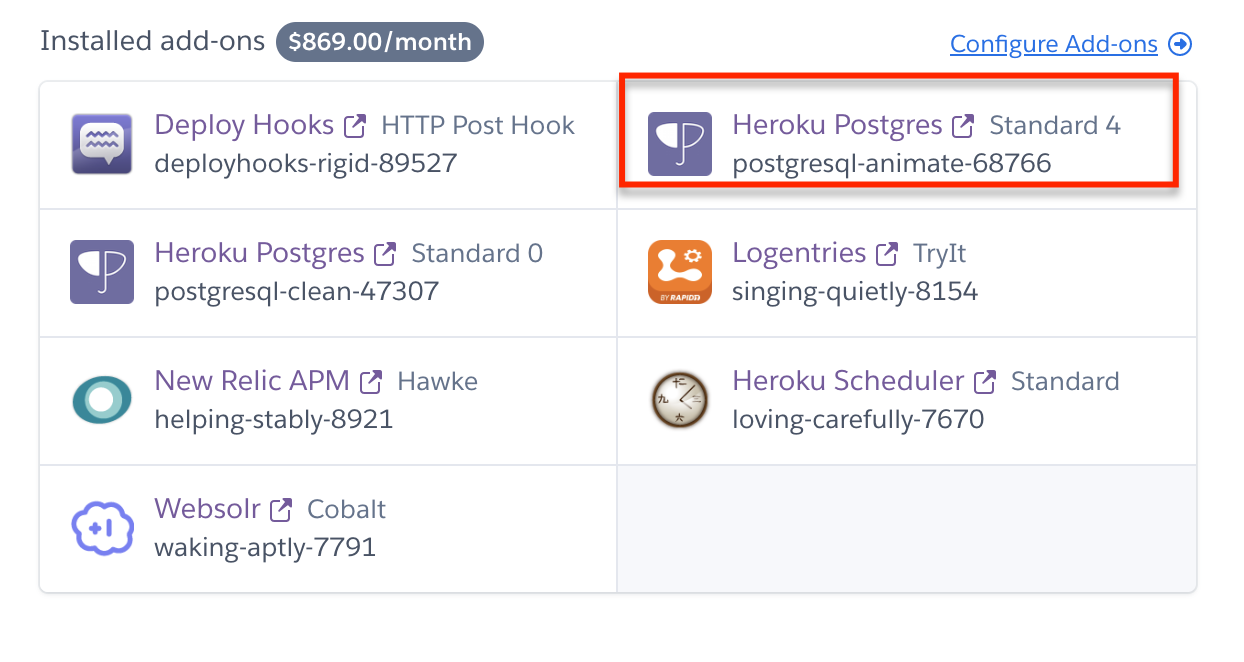
- Access the production database (Standard 4).
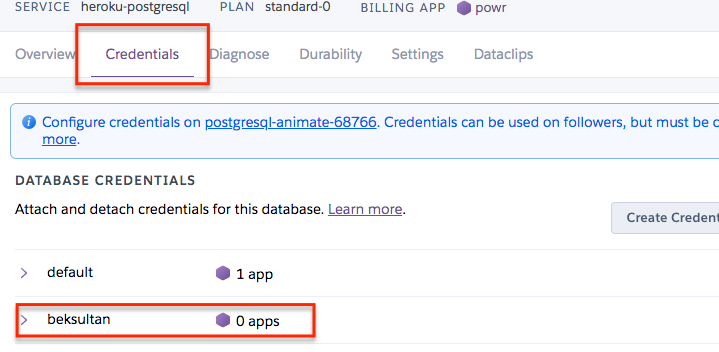
- Go to the credential tab and create new credentials

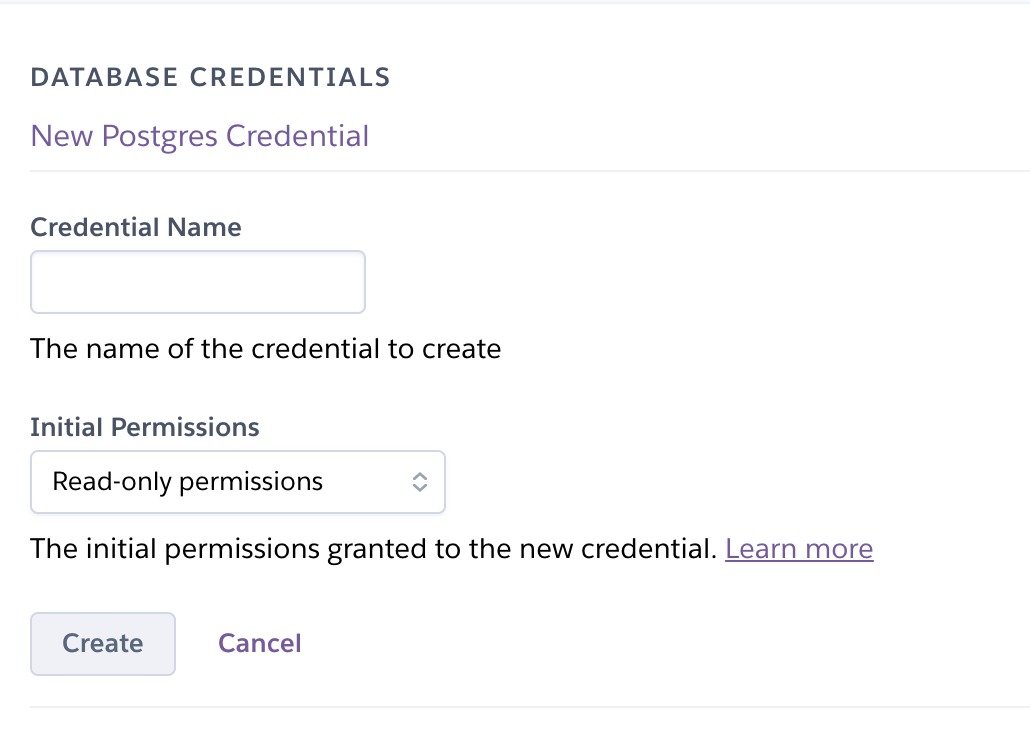
- Add a name and set permissions to read only
- Run
heroku run bash -a powr - Run
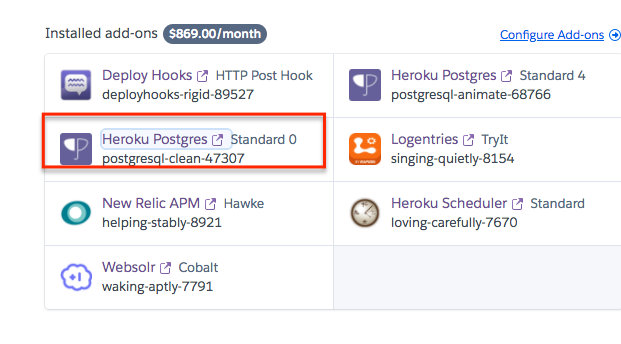
bundle exec rake automate:grant_db_permissions['limited_user'], where limited_user is the name you set back in step 4. - Go back to heroku and find the follower db
- Share creds