post-fire-notes S3 Files Were Archived On this page
S3 Files Were Archived On December 6th 2021 we’ve switched S3 buckets (www.powrcdn.com and public.powrcdn.com) to an Intelligent-Tiering storage class https://aws.amazon.com/s3/storage-classes/intelligent-tiering/ In 90 days it converted some of the contents of these buckets into Archive Access tier and now they are “archived”. We don’t know exactly why frequently accessed files were moved to an Archive Access tier. One theory is because of the Cloudflare caching, but TTL there is less than 90 days. We fixed public.powrcdn.com by removing the old bucket and redeploying all files How we unarchived ~25M files (~10 TB) First we tried to use the AWS CLI to unarchive the files, but it failed because there were too many files to unarchive. We reached out to AWS support agent and she also suggested to use a "manual" approach by calling aws s3api restore-object 25M times. We created a script, but it was working very slowly. Then we figured out that there're Batch Operations in S3. To Run a Batch operation we had to create a manifest - file with a list of files to be restored and upload it to S3.
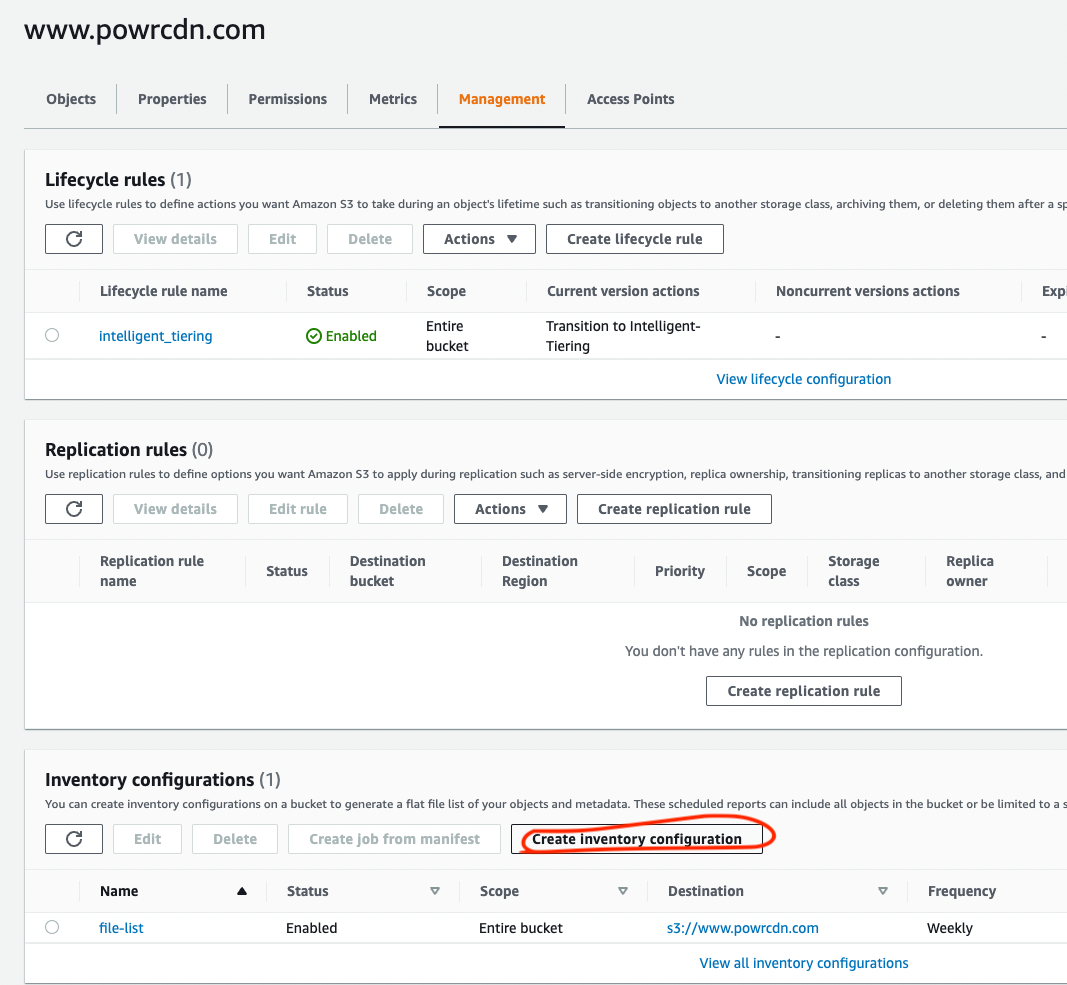
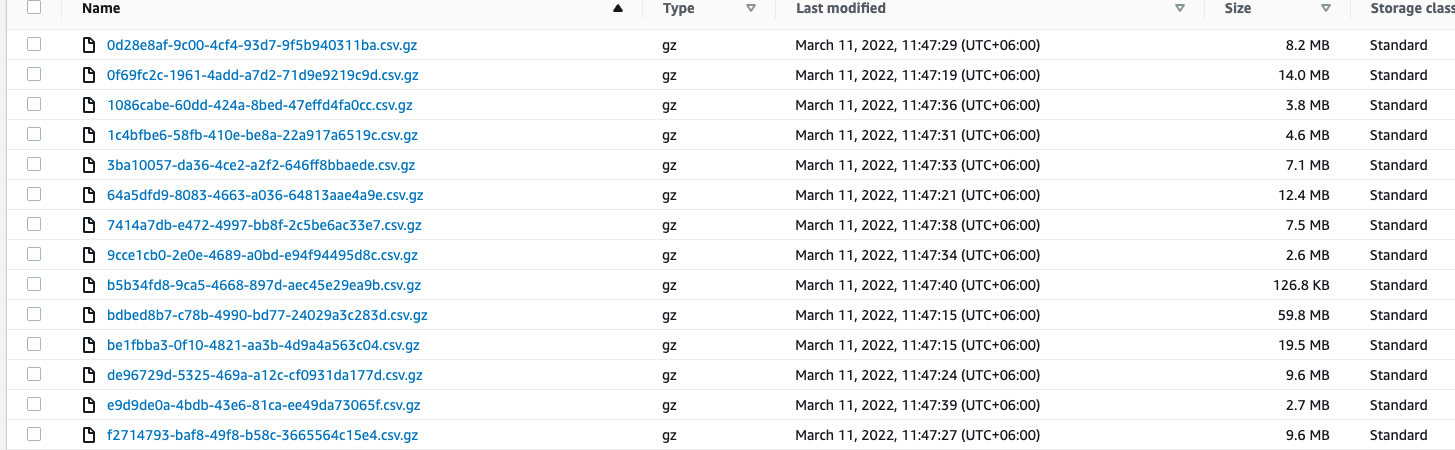
Inventory configuration of a bucket helps to create a list of all files in the bucket, but we need to sort out only Archived files. We created several CSV files with the list of files to be restored and uploaded them to S3
Then we ran a batch operation to restore the files We also updated the TTL of the files in the bucket to 545 days before moving to Archive Access tier