Wix payments
Before
- Detailed instructions for logging in and testing Shopify apps.
Wix upgrade pricing plan
- Add the app to the Wix site → click “Settings” → click “Upgrade”* in the Settings.
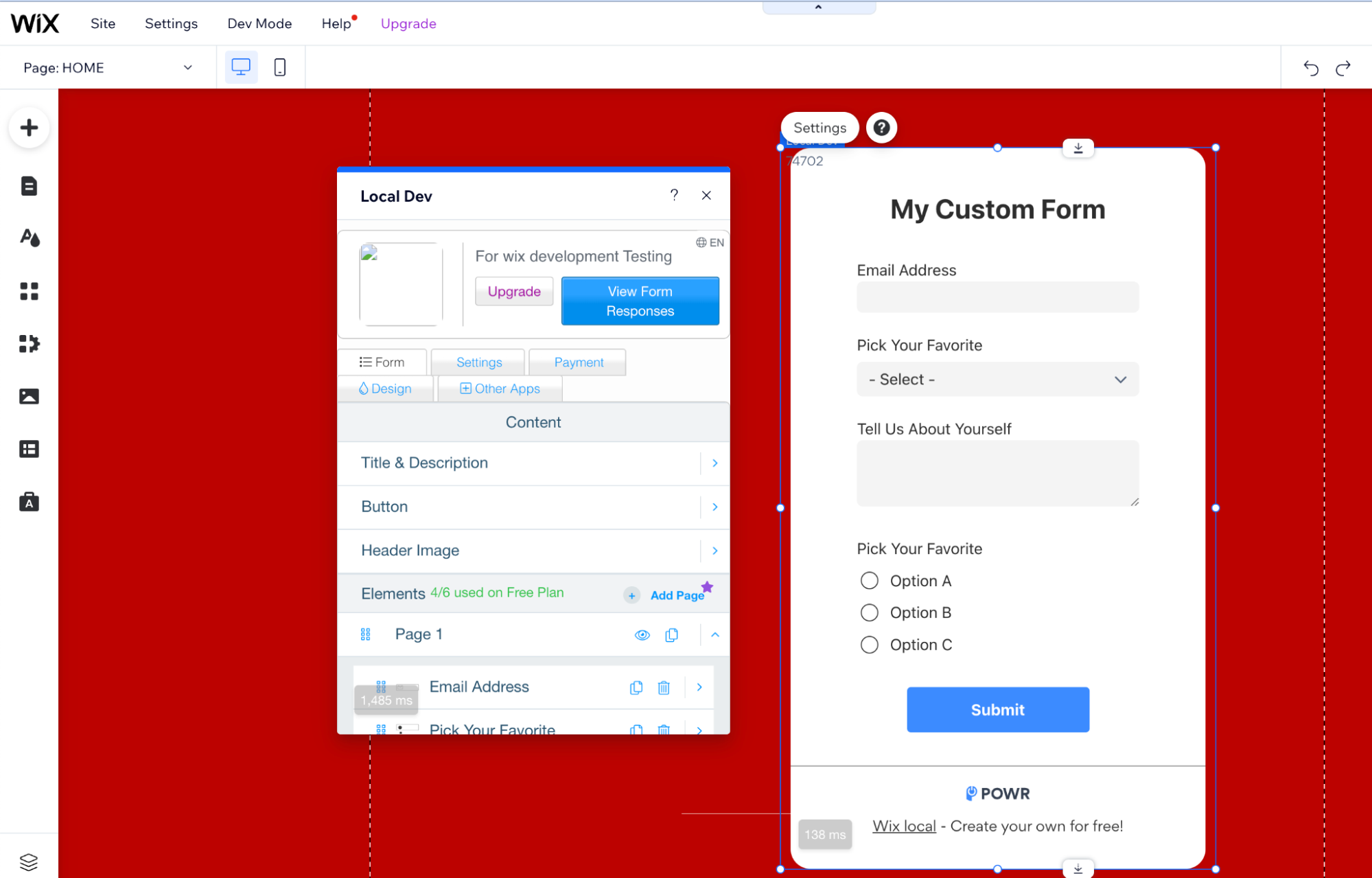
* NOTE: When the user clicks the “Upgrade” button, we call Wix.Settings.openBillingPage function (app/javascript/modules/settings/base_settings.jsx).
Wix API openBillingPage: https://dev.wix.com/api/iframe-sdk/sdk/wix.dashboard#sdk_wix.dashboard_openbillingpage
- The Wix Upgrade modal window will open. Click “Update Now", this will redirect you to the billing page.
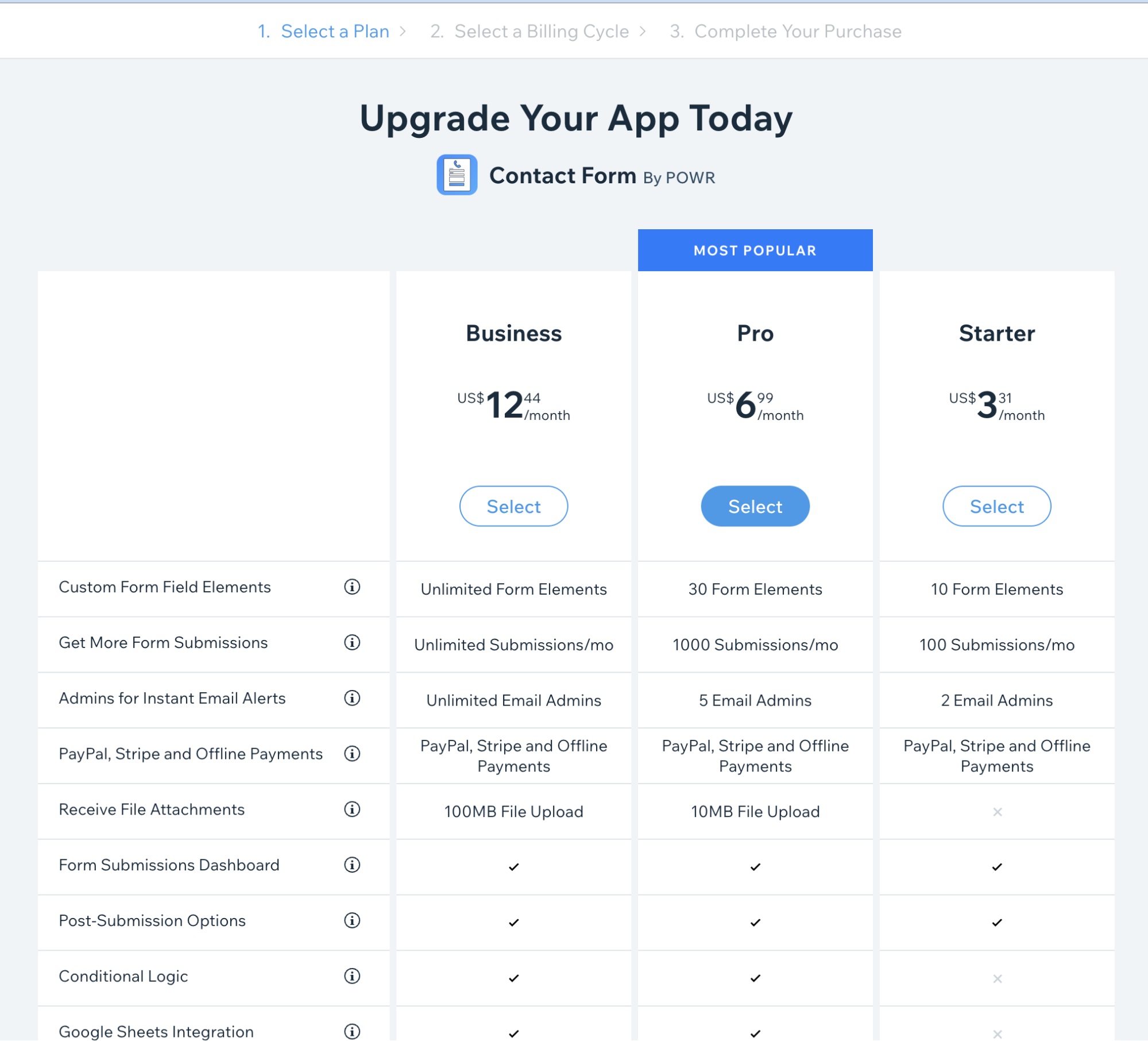
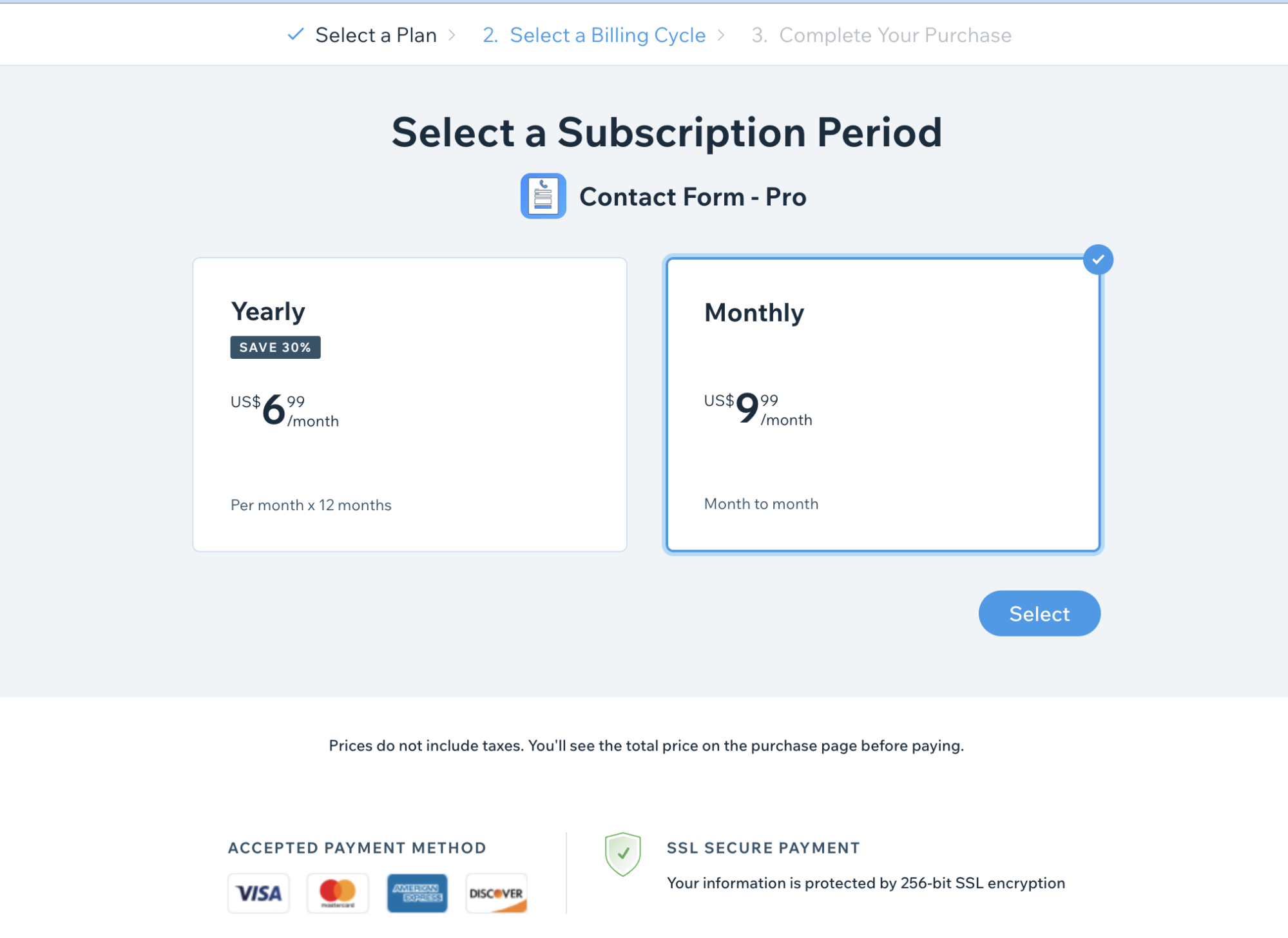
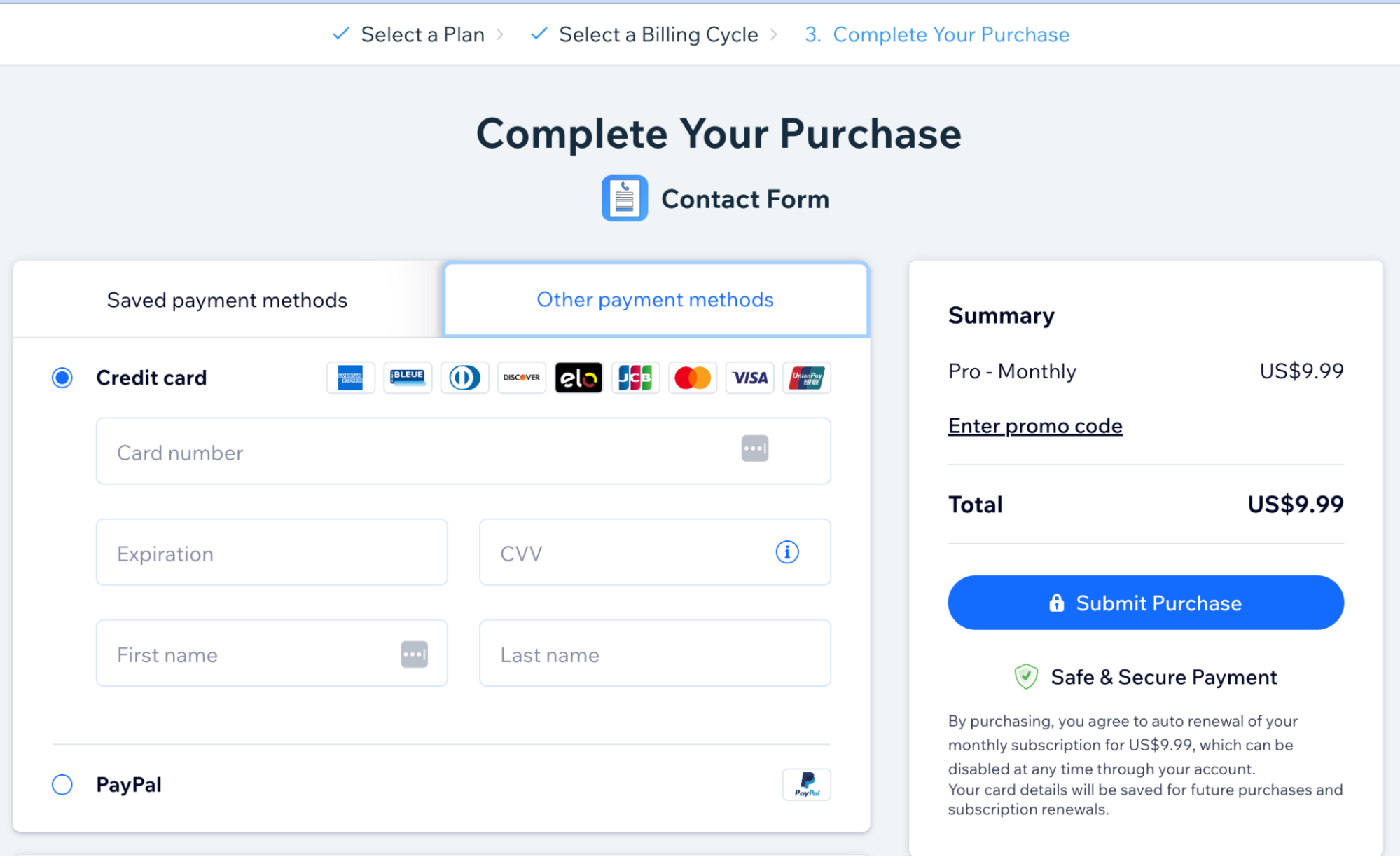
Price can be set up at each app’s settings page. For example for Form Builder: https://dev.wix.com/dc3/my-apps/133c8e95-912a-8826-fa26-5a00a9bcf574/market/info/pricing
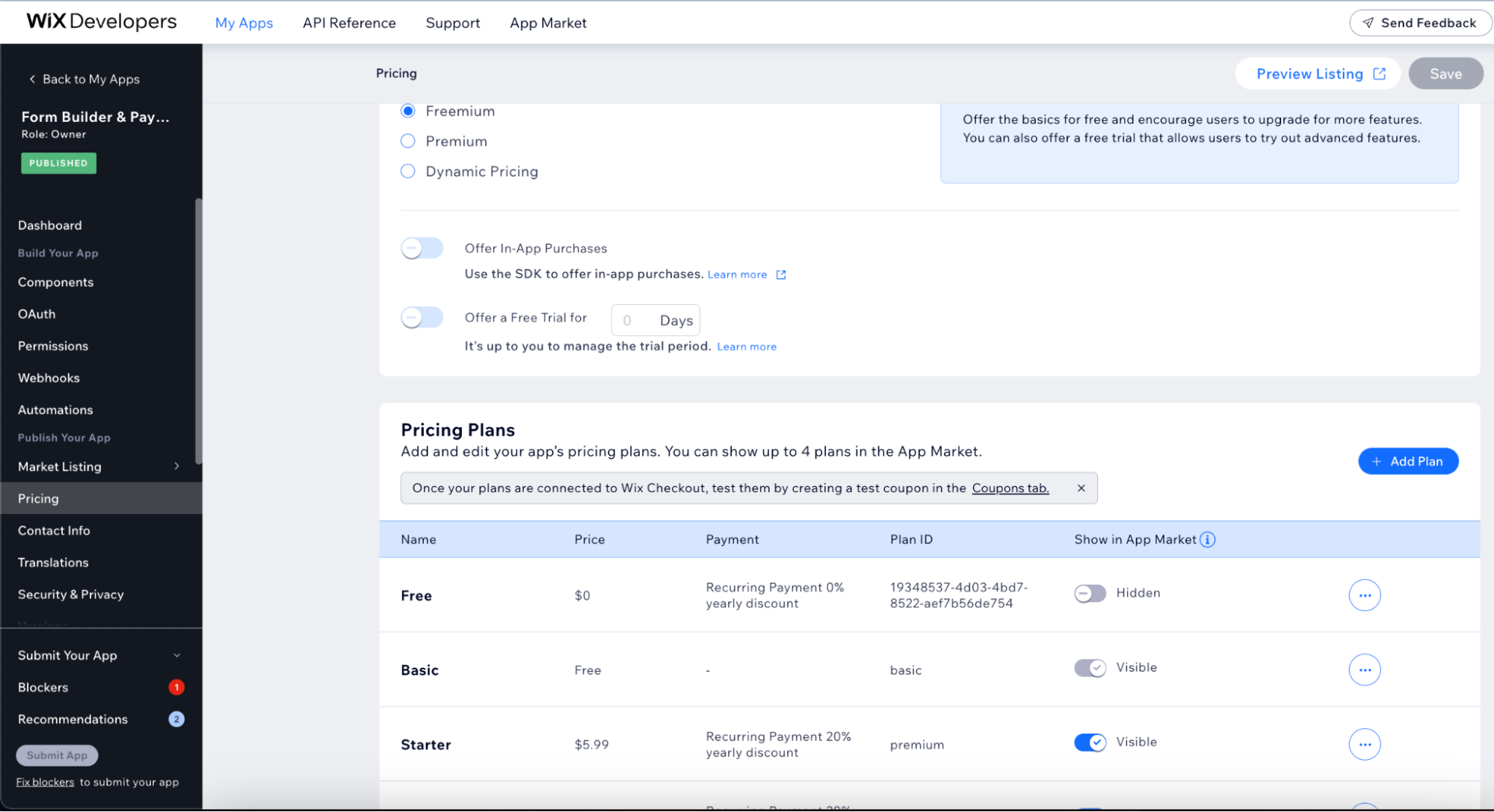
- We have added endpoints to Wix, which are triggered when you purchase a paid plan.
We have to set up the webhooks individually for each app. And whenever an event occurs, we get a ping and then we store that data into our db.
Form Builder: https://dev.wix.com/dc3/my-apps/133c8e95-912a-8826-fa26-5a00a9bcf574/build/webhooks
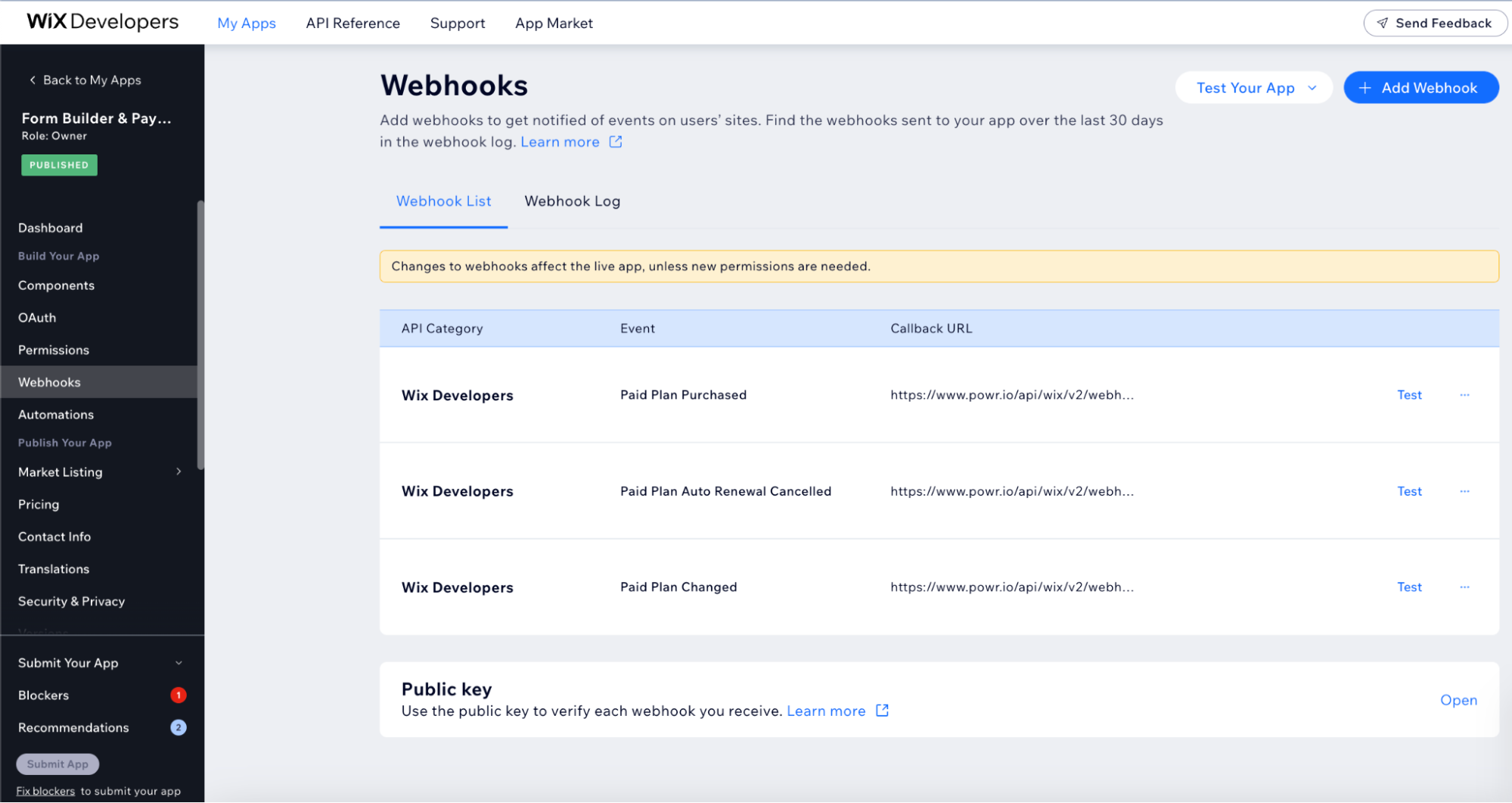
- This endpoint leads to webhooks_controller.rb (app/controllers/api/wix/v2/webhooks_controller.rb).
The create action in webhooks_controller calls WebhookWorker (app/workers/wix/v2/webhook_worker.rb).
Purchased plan is stored in wix_webhook table in db.
WebhookWorker saves data (user_id, current_plan, current_level etc.) to the wix_webhook_paid_plans table. Data about purchased plans via Wix also can be seen at TSH.
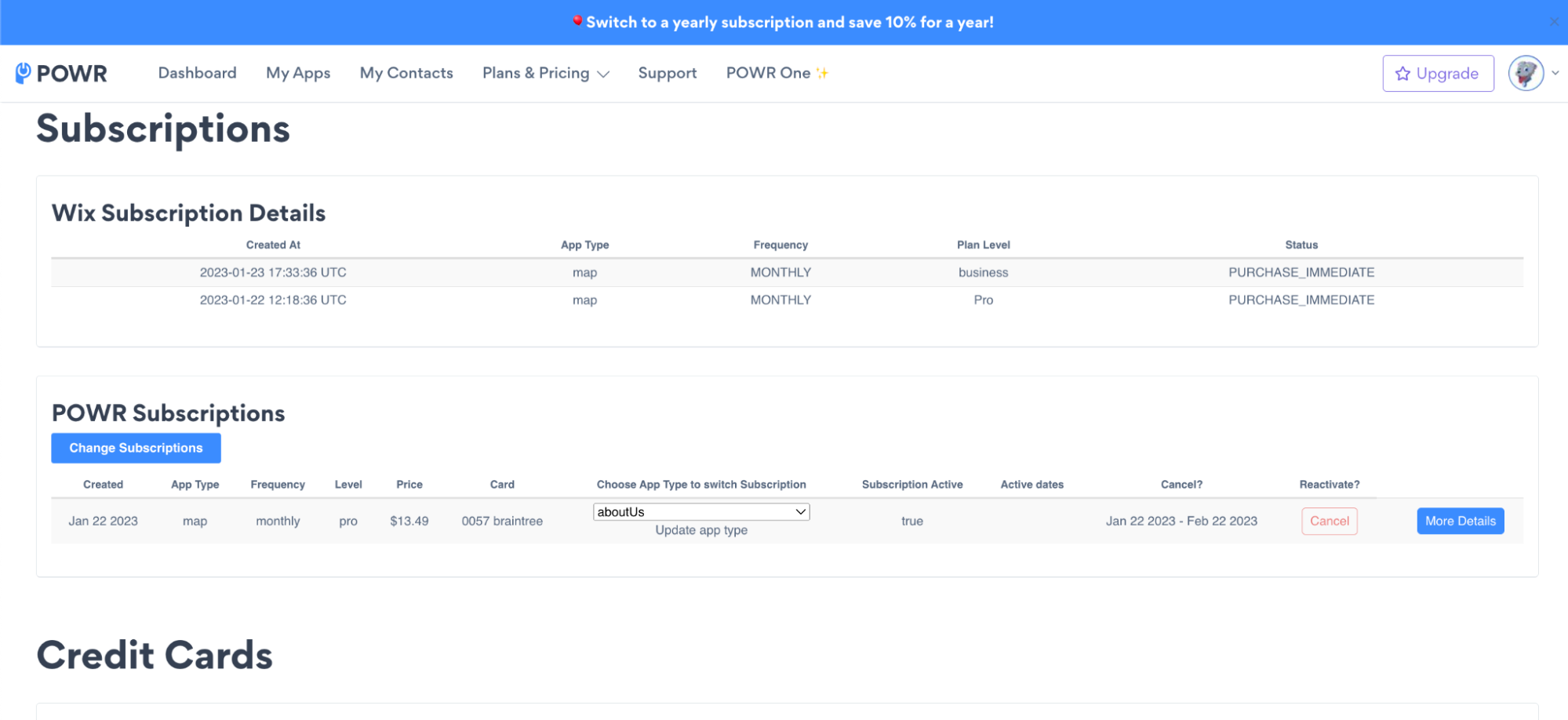
The pro_subscriptions and wix_webhooks tables are separated from each other and don’t influence one another. If something comes into pro_subscription, it usually means that someone purchased the subscription directly from powr.io. If something comes into wix_webhooks, it means that someone purchased a subscription on wix.com.
We only use wix_webhooks for estimations. The Wix Subscriptions that go into TSH are a view created in the db based on wix_webhooks.