adding-new-fontawesome-fonts
In case some Font Awesome failed to load from view page, they can be added via following steps
Please download and install Font Awesome Subsetter from https://fontawesome.com/download. UPDATE: this app was sunsetted and not available on official site anymore. Please download from https://app.slack.com/client/T06L46R5X/canvases
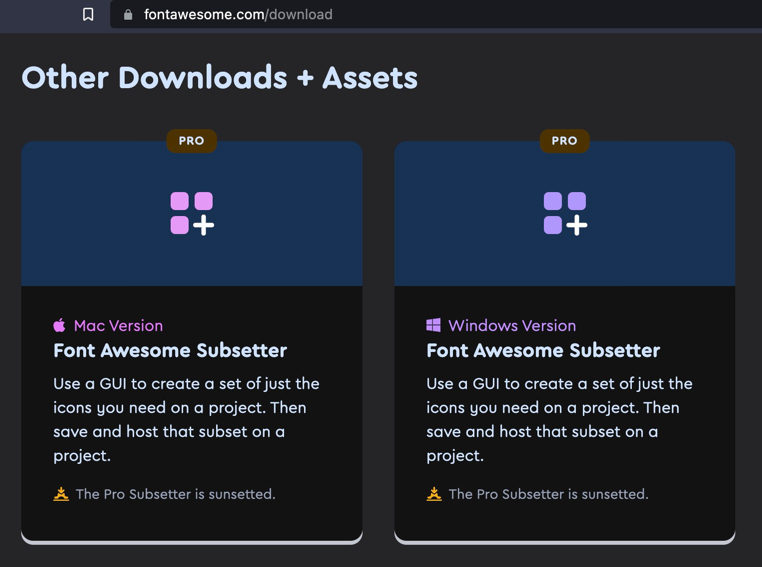
Find the required font
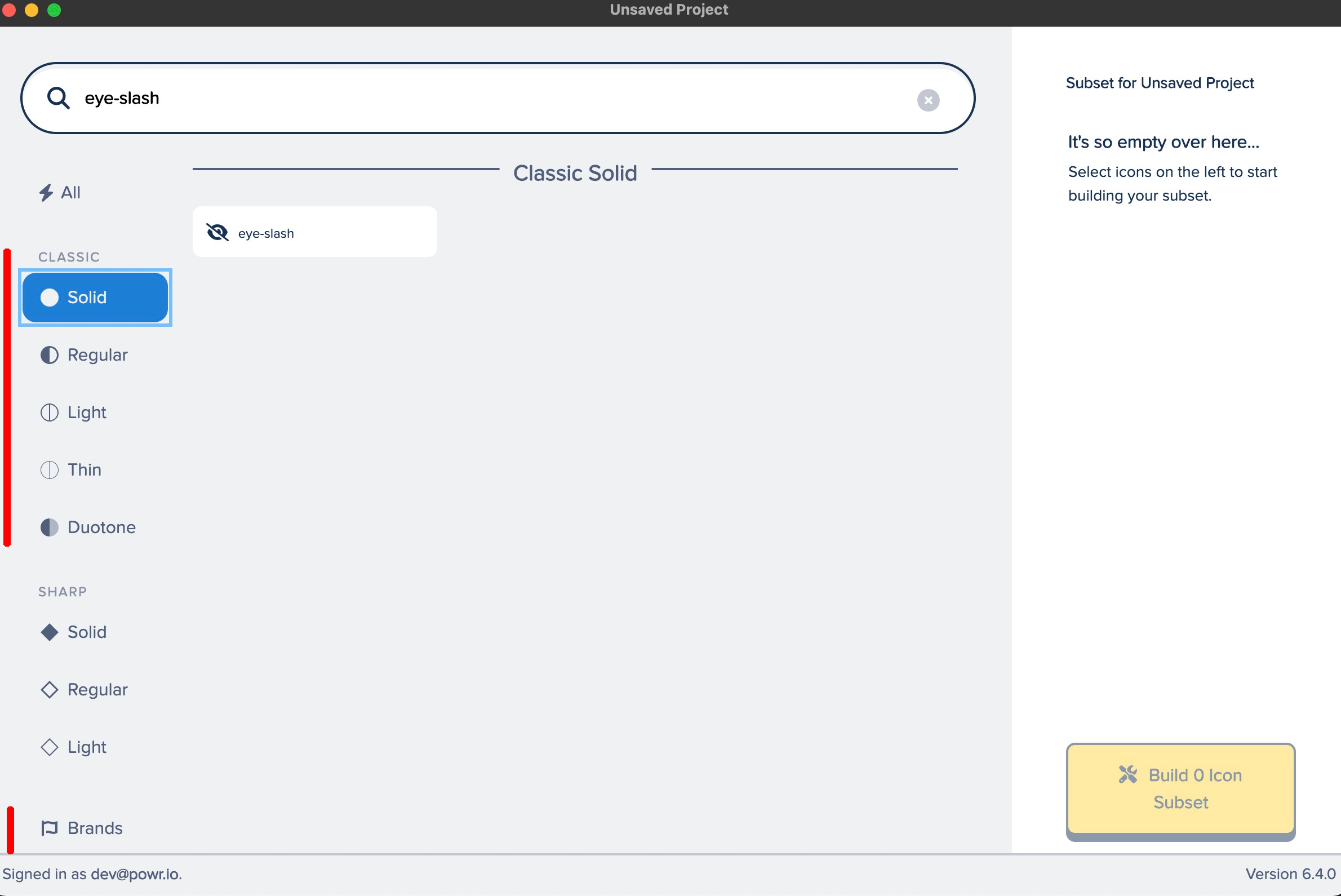 from required category
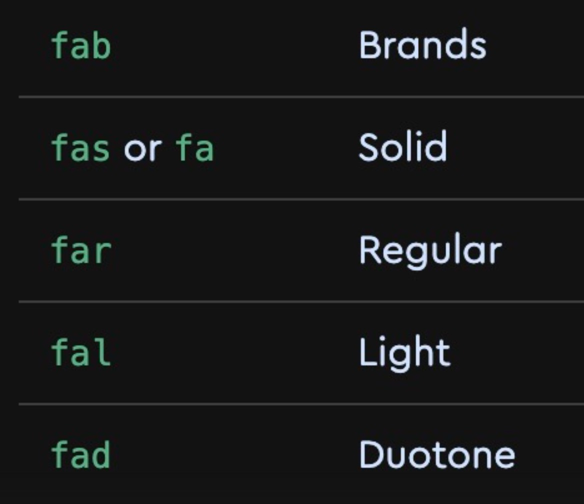
If font is not found, it means that it was renamed when switching from
v4tov5(or fromv5tov6). In this case we need to find the correct name from https://fontawesome.com/v5/docs/web/setup/upgrade-from-v4 or https://fontawesome.com/docs/web/setup/upgrade/whats-changed.Save the generated
.ziparchives to any directory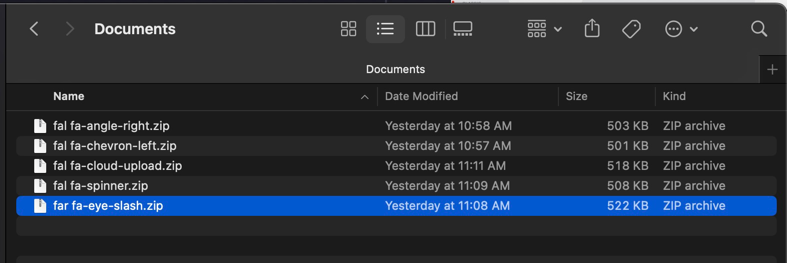 , e.g.
 ~/DocumentsUnzip all
.ziparchivescd ~/Documentsfind . -name "*.zip" -exec unar -d -o ./fonts {} \;Run following script which will transform unarchived files to correct format. Which should produce directory structure similar to this
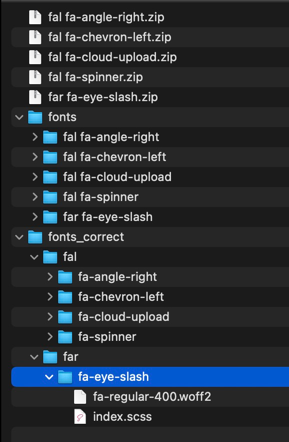 .
. Copy generated directories to
powr/app/javascript/packs/esbuild/fontawesome/stylesof https://github.com/powrful/powr repository